Lumens or Watts: Which Number Helps You Replace a Bulb?
Lumens describe light output; watts describe energy use. Read a worked packaging example, use a brightness reference table and keep fixture compatibility as a separate check when choosing a replacement bulb.
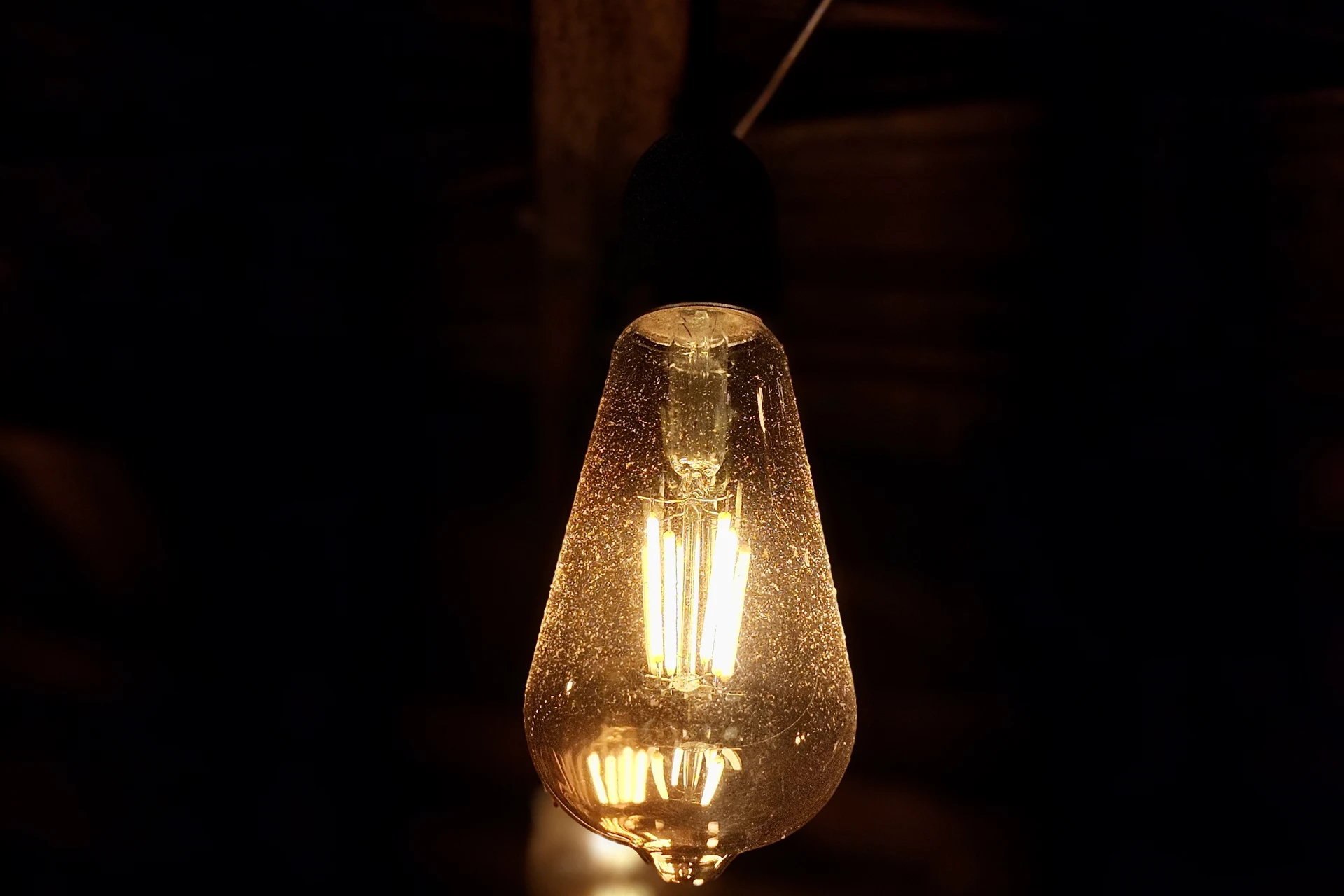
A bulb package marked “800 lumens,” “9 W” and “60-watt replacement” contains three different pieces of information. In this illustrative example, 800 lumens describes light output, 9 W is the bulb’s power rating, and “60-watt replacement” is an equivalence claim. The package is not describing three brightness settings.
For a replacement decision, start with the light output you want. Then compare wattage among suitable candidates, while checking the requirements of the lamp or fixture separately. A brightness match alone does not settle the whole purchase.
Read each number for the job it does
Lumens measure light output. ENERGY STAR’s brightness guidance identifies lumens, rather than watts, as the measure to use when comparing bulb brightness. If the current bulb provides the amount of light you want and its lumen figure is available, record that figure as your starting target.
Watts describe the rate of energy use in this comparison. ENERGY STAR advises finding the lumens you need and then choosing the lowest wattage. That order gives the comparison a purpose: meet the light-output requirement first, then assess how much energy the candidates use.
Replacement wording connects the package to an older wattage reference. Phrases such as “60-watt replacement” help identify a brightness category. Read the actual lumen and wattage figures as well, so the large replacement number does not become your only reference.
Write the three fields separately on a note. Keeping “lumens,” “actual watts” and “replacement wording” on different lines makes it easier to compare packages with different layouts.
Use the incandescent reference when you need a starting point
If your starting information is an old incandescent bulb’s wattage, ENERGY STAR provides the following minimum-lumen reference. Use it for the stated purpose: translating that older brightness reference into a lumen target.
| Old incandescent bulb | Minimum light output |
|---|---|
| 40 watts | 450 lumens |
| 60 watts | 800 lumens |
| 75 watts | 1,100 lumens |
| 100 watts | 1,600 lumens |
| 150 watts | 2,600 lumens |
For example, replacing an old 60-watt incandescent bulb gives you an 800-lumen starting reference. It does not tell you the actual wattage every replacement will use, or confirm that every bulb with that output suits your fixture.
The table also cannot choose your personal preference. If the old light level was unsuitable, copying its reference may preserve something you wanted to change. Record whether you want similar, more or less output before comparing candidates.
Annotate a package before comparing alternatives
Take the illustrative “800 lumens / 9 W / 60-watt replacement” package and turn it into a short comparison card. The numbers below describe a hypothetical label, not a tested or recommended product.
- Light-output target: 800 lumens.
- Candidate’s actual energy-use figure: 9 W.
- Replacement wording: 60-watt replacement.
- Fixture match: still to verify from the relevant product information.
Now imagine a second candidate labelled 800 lumens and 8 W. On those stated figures, both offer the same lumen output and the second has the lower wattage. That is the comparison ENERGY STAR’s sequence supports, provided the second candidate also meets your other requirements.
A third hypothetical candidate marked 450 lumens and 5 W uses fewer watts than either, but it does not meet an 800-lumen target. Record it as a different light-output choice. Otherwise, the smallest wattage number can distract you from the brightness you intended to buy.
Keep the comparison modest. These label figures do not establish a purchase price, lifetime cost, durability or your experience of the light in a particular room.
Keep fixture compatibility on its own checklist
Before purchasing, compare the candidate’s information with the lamp or fixture’s stated requirements. Useful fields to check include the required base, the bulb’s physical dimensions, any stated wattage limit and any conditions applying to the intended use. Where dimming is involved, look for explicit compatibility information.
Use the actual wattage field when reviewing an actual-wattage requirement. Do not substitute the “60-watt replacement” wording for it. Keep both figures visible on your note so they cannot be confused.
If a required detail is absent, leave that field unresolved and ask the manufacturer or retailer for the relevant product information. A familiar bulb shape or matching lumen number cannot fill in a missing specification.
This checklist is for selecting a product. It does not cover changing fittings, diagnosing faults or modifying equipment. If the candidate cannot be confirmed against the existing fixture’s requirements, keep looking for a documented match.
Save a replacement note you can reuse
A useful note might read: “Target: 800 lumens. Candidate: 9 W actual use. Package says 60-watt replacement. Base, dimensions and intended-use requirements checked against the fixture information.” Only mark the final fields checked after you have confirmed them.
Photograph or retain the selected package information for the next purchase. Include the exact bulb version in your record, rather than saving only a broad product name. The guide to checking an online cart’s selected variant offers a useful final-order check when several options share one listing.
If you are comparing two offers, use the same-item offer checklist after confirming the bulb specifications. Carry your lumen target and compatibility note through to checkout, so a lower price or different package does not quietly change the item you selected.
Sources and editorial notes

Choosing a Photo Frame: Check More Than the Outside Dimensions
The stated frame size does not tell you how a photograph will be supported or what will touch it. Check the opening, mat,…

Choose Folders for Important Paper Without Relying on the Word ‘Archival’
Choose folders by their stated materials, support and usable size. This guide explains what to verify beyond an archival label, with a worked…

Will a Replacement Lampshade Fit Your Existing Lamp?
A shade’s width and shape are only part of the fit question. Record the existing attachment, dimensions and manufacturer requirements, then compare a…