How to Keep Heat Out of Your Everyday Device-Charging Routine
Compare a sunny windowsill, a bedside charging spot and an open desk. This practical placement check helps you notice avoidable heat exposure while keeping Apple’s charging guidance separate from household organisation choices.
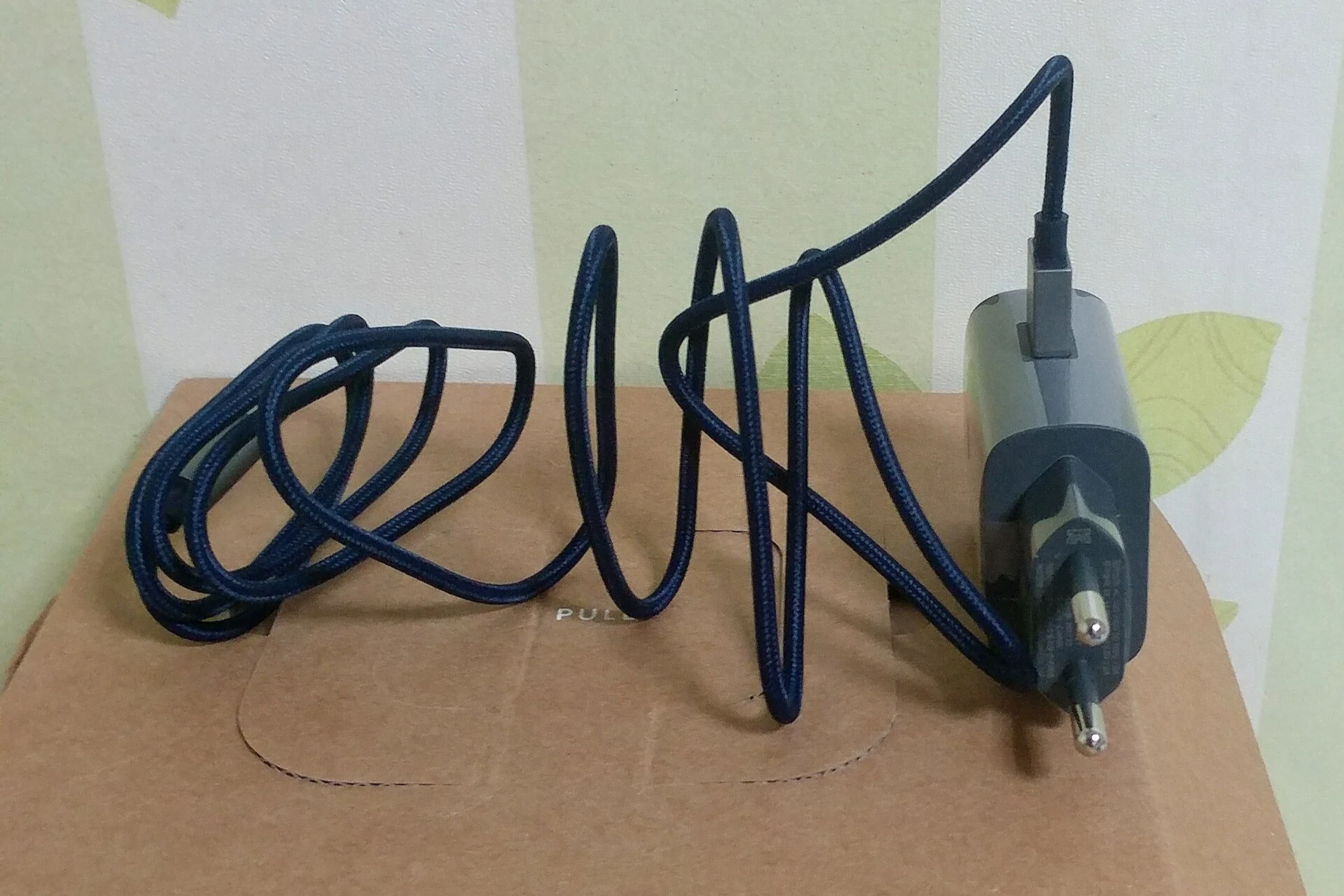

A phone starts charging on a shaded desk at breakfast. By lunch, sunlight has moved across the desktop and reaches the phone. The charger has stayed in the same place, but the conditions around it have changed.
That is a useful starting point for reviewing your charging routine: look at where the device spends the whole charging session. A convenient socket does not tell you whether the surrounding spot stays suitable.
For Apple devices, Apple advises avoiding ambient temperatures above 95°F (35°C), which can permanently damage battery capacity; charging in high ambient temperatures can cause further damage. Apple also says certain cases may generate excess heat during charging and advises removing the case if the device gets hot while charging. Charging may pause temporarily in extreme temperature conditions and resume when the battery returns to its normal operating range. The placement exercise below helps you review your surroundings without trying to diagnose the battery or predict how much longer it will last.
Compare three real charging locations
Pick the place you use most often and two realistic alternatives. In this illustrative household, the choices are a windowsill, a bedside spot beside bedding and a clear area on a desk. Your own choices might be a kitchen counter, a shelf or a table near the sofa.
| Location | What to inspect | Practical placement change |
|---|---|---|
| Sunny windowsill | Whether direct sunlight reaches the device during the session | Choose a spot outside the sun’s path |
| Beside bedding | Whether pillows or a duvet can move over the device | Give the device its own clear surface |
| Open desk | Whether papers, bags or afternoon sunlight take over the space | Reserve a shaded, uncluttered area |
This comparison is a placement exercise, not a temperature test. An open desk is a candidate to inspect, rather than an automatic guarantee of suitable conditions. A desk beside a sunny window may need a different arrangement later in the day.
Watch the location through the charging session
Check the spot when you normally connect the device and again later in that same routine. Notice direct sunlight, nearby household heat sources and anything that has been placed over or around the device. You do not need to turn this into a monitoring project; the aim is to catch an obvious mismatch between the location and the way you use it.
For example, a bedside table may be clear when you go to bed but become a landing place for a folded blanket. A desk may work well until paperwork spreads across it. Choosing a dedicated patch of surface makes those changes easier to notice.
Make the alternative convenient enough to keep using. If moving the device requires rearranging half the room every evening, choose another location. The useful result is a repeatable arrangement that stays clear during an ordinary day.
Understand what a charging pause can mean
Apple describes built-in software and hardware systems that manage charging patterns and battery temperature to reduce battery aging. It also says charging can pause temporarily under extreme temperature conditions, then resume once the battery temperature returns to its normal operating range.
On iOS 16 and later, a notification may appear on the lock screen when charging pauses for this reason. Apple also identifies paused-charging information in Settings > Battery starting with iOS 16 and watchOS 9.
A delay in reaching a full charge does not, by itself, identify a temperature problem. Apple also describes Optimized Battery Charging, which may defer charging to 100% until shortly before the device is expected to be needed. Read the device’s actual message before deciding what the pause means.
Keep those explanations specific to the Apple features and software versions involved. For another maker’s device, use its own charging guidance and on-screen information. Do not transfer an Apple setting name or behaviour to every phone, tablet or watch.
Make a small charging-location card
Use this short record to turn the comparison into a decision. The completed example describes a fictional desk arrangement; replace each detail with what you actually observe.
- Device: everyday phone; record the model separately.
- Usual charging period: breakfast through the morning.
- Current spot: desk beside the window.
- Observed issue: direct sun reaches that corner later in the morning.
- Chosen alternative: clear desk area outside the observed sun path.
- Household rule: keep papers and bags off that area.
- Manufacturer check: read the charging and temperature guidance for this device.
Review the card when the room layout or your charging hours change. A spot chosen for an evening routine may deserve another look when you begin charging there during daylight.
If you regularly move between home and travel accommodation, the same placement check can accompany your device-based travel charging kit. Inspect the temporary location as well as packing the equipment you need.
Keep the limits of the check clear
This routine addresses visible surroundings. It cannot measure internal battery temperature, establish battery condition or promise a particular improvement in battery lifespan. A clear surface also cannot tell you whether a charger or accessory is appropriate for your model.
If a temperature message appears, follow the device maker’s instructions for that message. Avoid experimenting with ways to force charging to continue. Changing the surrounding placement and interpreting a device warning are separate decisions.
For your next ordinary charging session, choose one clear location, check whether sunlight reaches it and keep soft furnishings away from the device’s resting place. Record any message exactly as it appears. Those observations give you a concrete basis for adjusting the routine.
Sources and editorial notes
Google Photos: Check Device and Account Copies Before Deleting
A photo visible on your phone does not answer every question about where it is stored. Use a copy map and one disposable…
How to Review Large Gmail Attachments Without Losing Useful Messages
Find large Gmail attachments, decide which messages to keep, and verify saved files before deleting anything. A worked review batch separates useful correspondence…

Why Is My Google Storage Full? Read the Breakdown Before Deleting
Use a simple storage ledger to identify whether Gmail, Drive, Photos or another category deserves attention first. Then choose a manageable cleanup task,…