Do You Need a Microphone for Remote Podcast Recording?
Before buying a podcast microphone, compare a recording saved on your device with what a guest actually hears on a practice call. A two-track listening sheet helps you document missing words, room noise, or hard-to-hear speech and choose one change to test next.
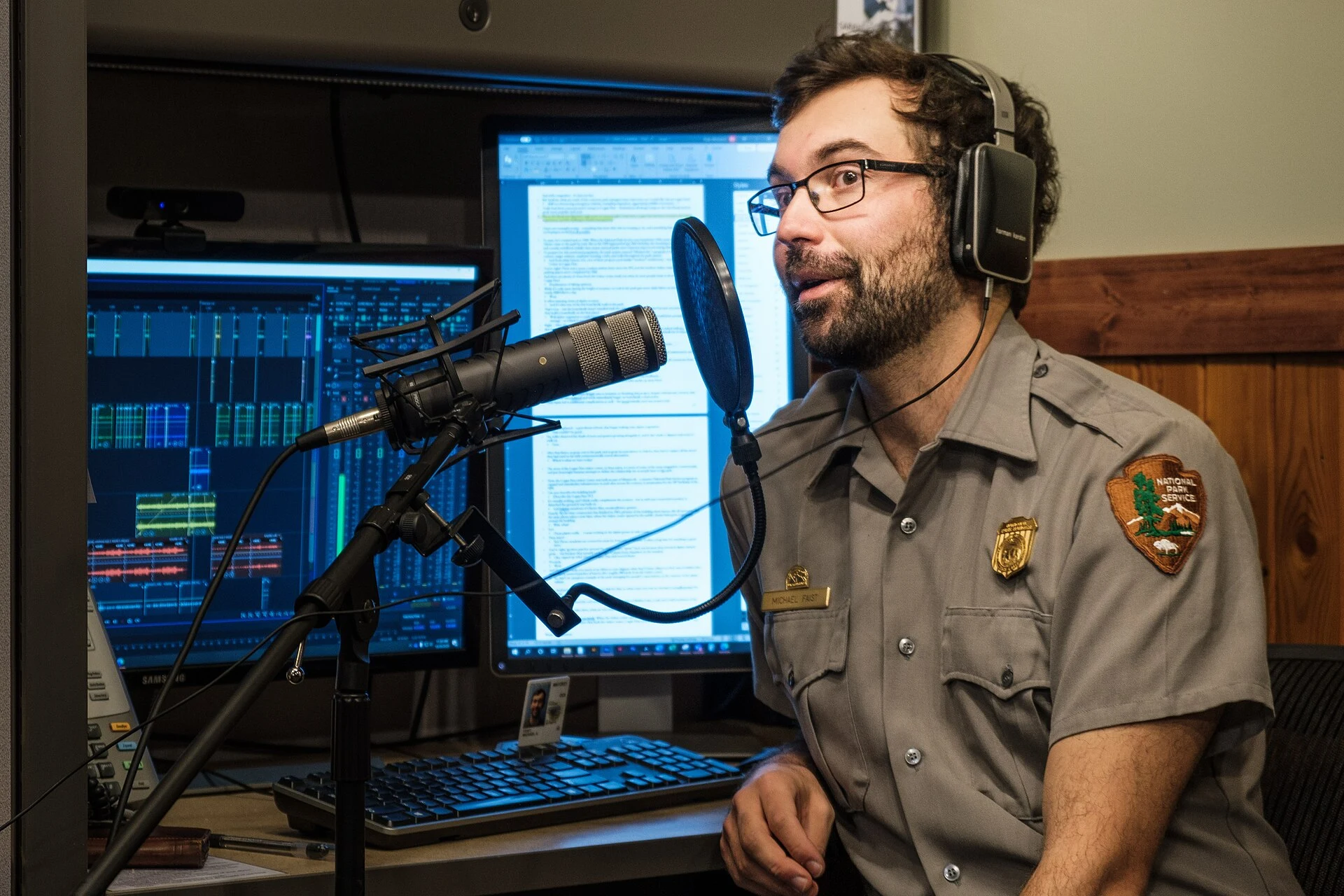

Before buying a podcast microphone, use the mic you already have for one practice interview. Make a local recording of your voice and compare it with what your guest hears on the call. If a word is clear in your file and missing for the guest, investigate the call setup before spending money. If the problem keeps showing up in both places, test your recording setup first.
Choose one problem you can hear
Pick the issue that would make an interview hardest to follow. Can a listener make out the end of each sentence? Does background noise compete with your voice? Do whole words disappear? Write down what someone could point to on playback. A missing word gives you a specific event to find again. A note like bad audio leaves you guessing about what to change.
Capture your voice from two perspectives
Invite a guest to a practice call and get their consent before recording. Check which recording options your app offers on your device and plan. For the local sample, use a recording saved on your device from your selected microphone, if your setup allows it. For the remote sample, use a guest-side recording of what reached them if their setup supports it. Label any app-exported track by its capture source. A host track captured locally by the app cannot stand in for what the guest heard live. If you have only the guest’s listening notes, label them that way.
Say a short passage at your usual interview volume, with a phrase near the start that’s easy to find on both tracks. Verify that the call app and your local recorder use the same microphone. If the guest records, have them check that their recording captures your voice as it reaches them. Keep your microphone position steady. Capture the same take both ways if possible. If you need separate takes, repeat the same words and label the takes on the sheet. If a gap appears in only one of two separate takes, repeat the comparison with a simultaneous capture if possible before treating the gap as specific to either source.
Fill in the two-track listening sheet
Play the local file and note the exact word or sound you’re checking. Find the same phrase in the guest-side file and log the timestamp from each file separately. If the guest is taking live notes, ask them to jot down the last word they heard before a gap and use that word in place of a timestamp. Use one row per source. Mark the first test as Baseline, then record what you change on the next test and check the same phrase again.
| Sample source | Timestamp or word cue | Audible symptom | Variable changed | Next test |
|---|---|---|---|---|
| Local file | ___ | ___ | ___ | ___ |
| Guest-side file or live listening notes | ___ | ___ | ___ | ___ |
| Hypothetical local file | 0:18 | Full phrase is intelligible | Baseline | Repeat in another supported call app |
| Hypothetical guest-side file | 0:21 | Last word of the same phrase drops out | Baseline | Listen for the gap in the repeat |
Retest where the problem shows up
In the example, the whole phrase is clear in the local file, and the last word drops out on the guest’s side. Keep the microphone, guest, and speaking position the same for the next pass. If both participants can use another supported call app, change the app and log the result. If the gap disappears, repeat the comparison before relying on that result. The pattern can guide your next call setup while leaving the exact cause unresolved.
If speech is hard to understand in both samples, try one change you can make with the equipment you own, such as adjusting where you sit relative to the mic. Repeat the passage. If room noise is the issue, try the same setup with one controllable source of background sound off. A repeatable improvement gives you a setup to use for the next interview.
Decide whether to try a new mic
Pause the purchase if the local speech stays clear and the trouble appears only on the guest side. If a recurring problem remains audible in both samples after a setup change, shortlist a microphone only if you can name the improvement you want to hear. If you can borrow an exact model you’re considering, run the same comparison with it.
Before ordering, tell the microphone maker and recording app provider which mic model you’re considering and which device, operating system, app version, plan, and region you’ll use it with. Ask whether that combination supports the capture mode you need and which accessories or paid features it requires. Keep the two baseline clips so you can judge any candidate against the specific phrase or sound that prompted the purchase.
Related reading
- Digital Photo Frames as Gifts: Who Can Add or Remove Photos?
- How Much Time Do You Need Between Two Booked Activities?
- How to Check a Personalized Gift Proof Before You Approve It
- Tote or Crossbody Bag for Commuting? Test Your Route Before Buying
- Will This Board Game Fit the Time You Have at a Holiday Gathering?
Sources and editorial notes
This is an editorial planning guide, not a hands-on product test. The references below provide seasonal background, not proof of demand for this exact topic. Suggestions and hypothetical examples are editorial interpretations; check current prices, availability and terms with the provider.
- Google — 2026-11-09 — Shopping Search trends informed the Holiday 100 gift list; popularity is not product-testing evidence.
How to Keep Heat Out of Your Everyday Device-Charging Routine
Compare a sunny windowsill, a bedside charging spot and an open desk. This practical placement check helps you notice avoidable heat exposure while…

Google Photos: Check Device and Account Copies Before Deleting
A photo visible on your phone does not answer every question about where it is stored. Use a copy map and one disposable…

How to Review Large Gmail Attachments Without Losing Useful Messages
Find large Gmail attachments, decide which messages to keep, and verify saved files before deleting anything. A worked review batch separates useful correspondence…